New portal for suppliers
From December 7, your suppliers get their own supplier portal with its own URL. Example: {companyname}.ignos.io. From this date on, your supplier users sign in at this URL.
We will move all your existing suppliers to the new portal. You do not need to invite them again!
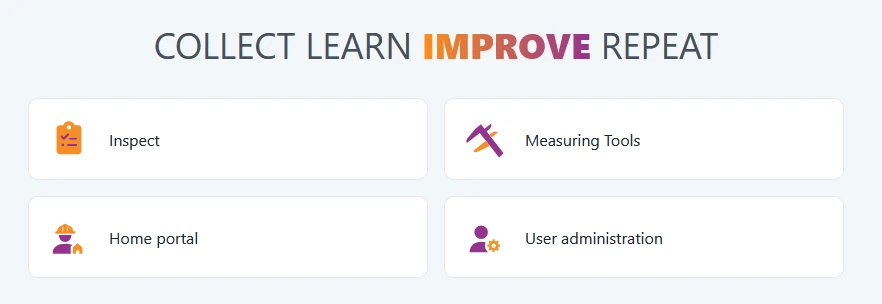
Supplier users who go to ignos.io must select Sign in as a supplier and enter your company name. IGNOS then takes them to your supplier portal.
The first time your suppliers sign in to the supplier portal, Microsoft may ask them to accept that IGNOS can read basic information about their user.
A Microsoft account is not required in the supplier portal. Suppliers can sign in with their email address and a verification code.
Suppliers can manage their own users
The supplier's administrators add and remove their colleagues in the supplier portal. You can still manage the supplier's users yourself under Settings > Suppliers > Suppliers.
Suppliers that use IGNOS themselves
If a supplier is also an IGNOS customer, their users sign in to your supplier portal with their own organization's accounts. A button on their front page takes them between their own IGNOS solution and your supplier portal.
| From their own IGNOS solution | From the supplier portal |
|---|---|
 |  |
User administration moves from the suppliers' own Microsoft Entra ID to this new portal. You can see and control who at the supplier has access.
Get started
Ready to invite your suppliers? Contact us, and we will help set up your supplier portal.
Read more in the documentation.