Resource names in location fields
· One min read
Locations tied to a resource now display the resource name alongside the resource number, making it much easier to identify the right location without having to remember resource numbers by heart!
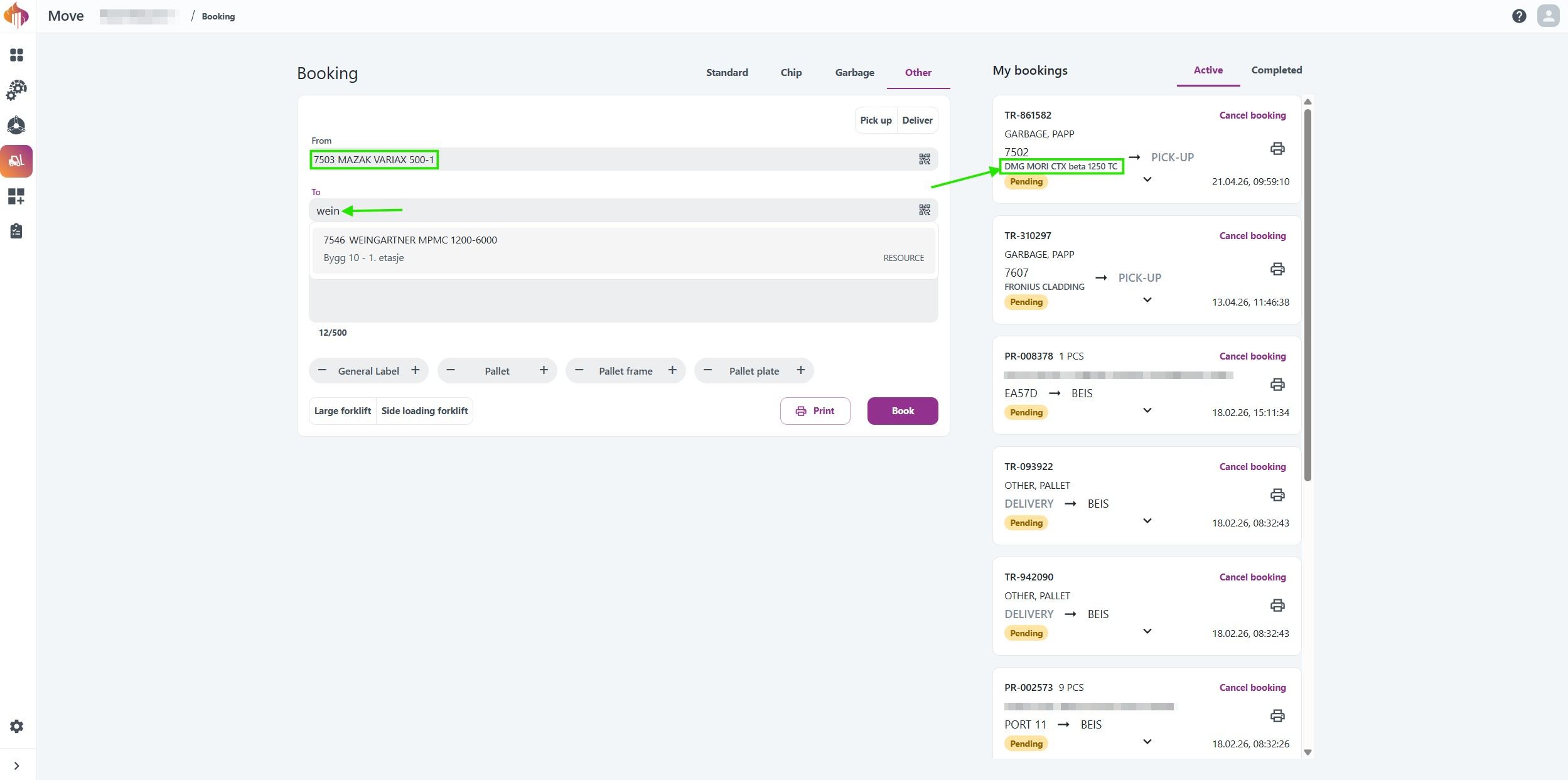
You can also search by resource name in all location fields, including From and To in Booking and Update location.
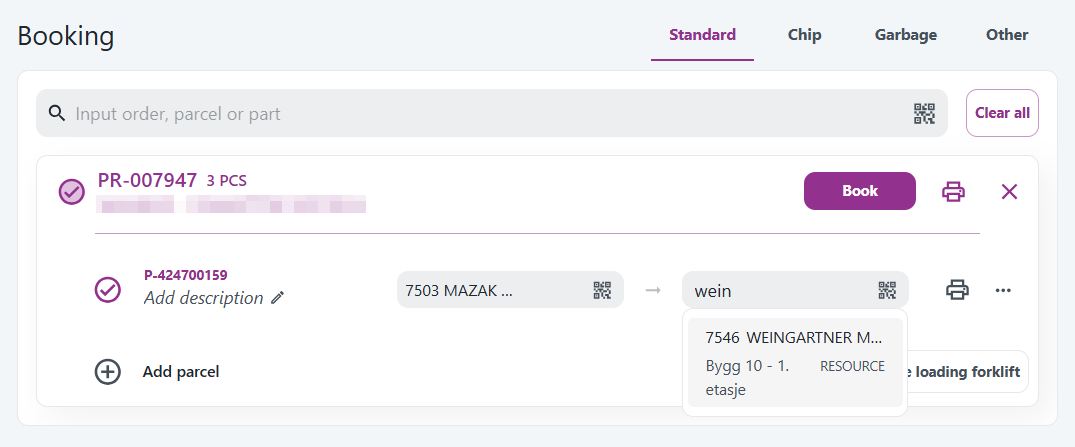
Resource names are visible across the application:
- Booking and Update location: Search and select locations by name.
- Tracking, My bookings, and Driver: Resource names displayed in location columns and booking details.
- Admin: Resource names shown as a tooltip on hover, similar to Engage Schedule.

Names are synced automatically from D365 Resource groups once per day. No manual setup needed, and existing QR codes continue to work as before.