Quantities and order details in the Production Order Activities table
· One min read
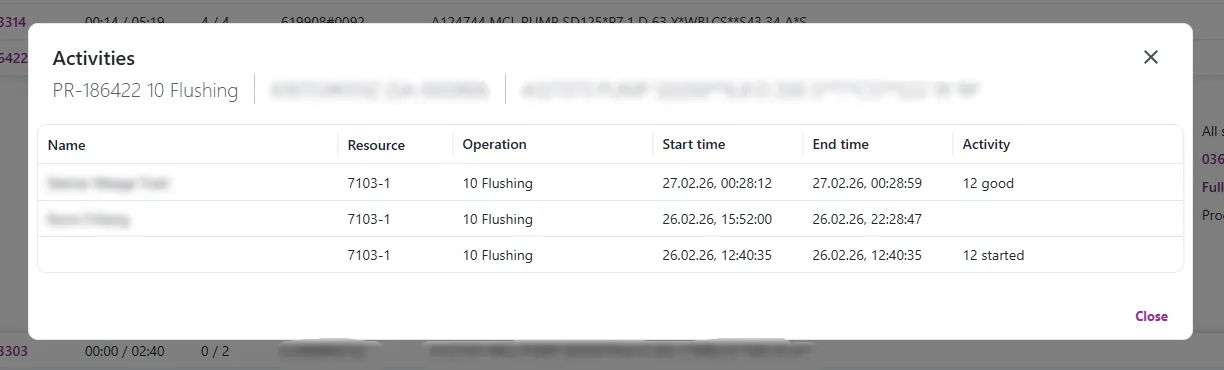
The Activities dialog — now shows started, scrapped and good quanity.
A new Activity column
Each row now has an Activity column showing the quantities for that activity — started, good, and scrapped — but only the ones that actually have a value.
A subheader with order details
The dialog also show a subheader with details for the order behind the activity — part number/name, operation number/name, production order, project, BOM position, whether it's a sales order, and the reference order number. This is the same kind of subheader used elsewhere in Engage, just applied here too.