New Pulse widget and updates to the Engage Order widget
· One min read
We have now launched the Resource Current State widget and added improvements to the existing Engage Order widget.
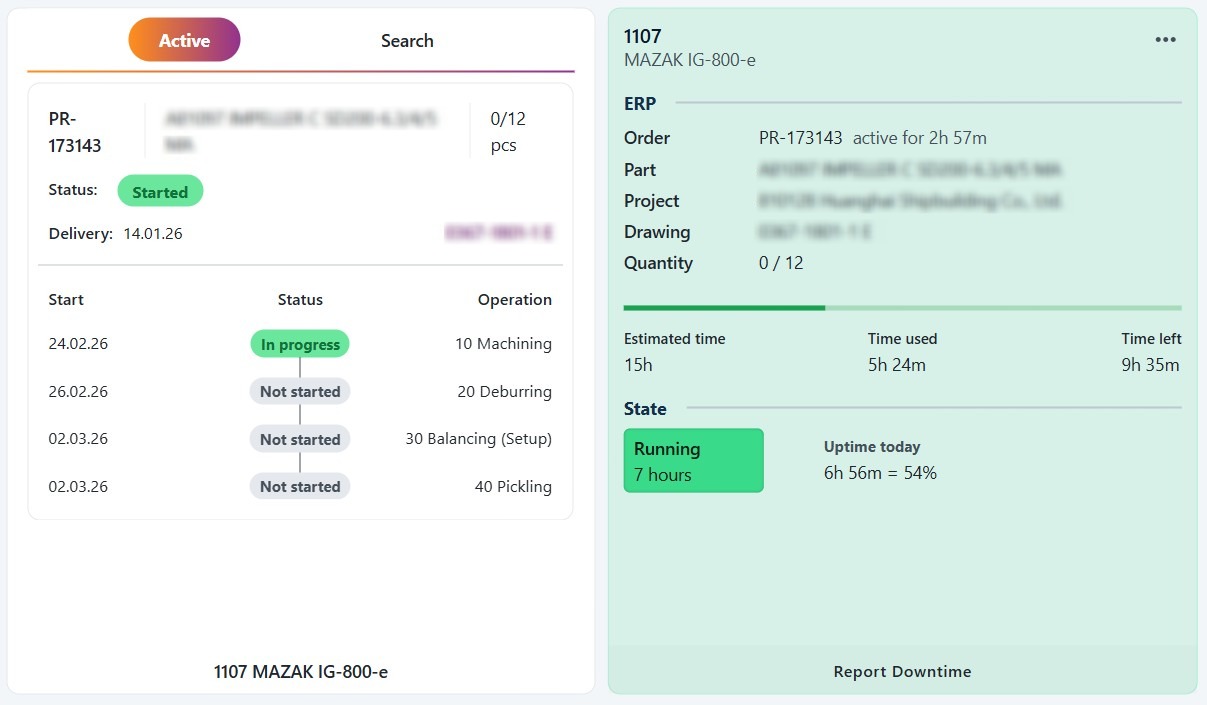
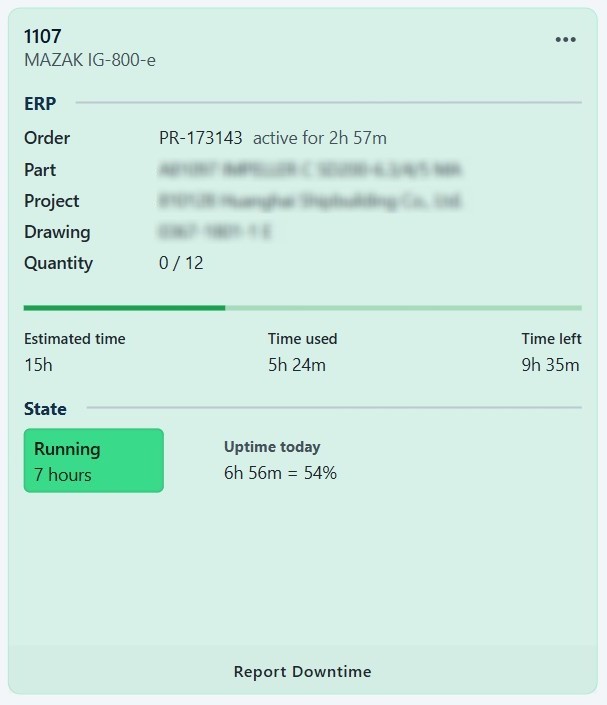
Resource Current State widget
Many users will recognize this widget from the Current States page in Pulse:
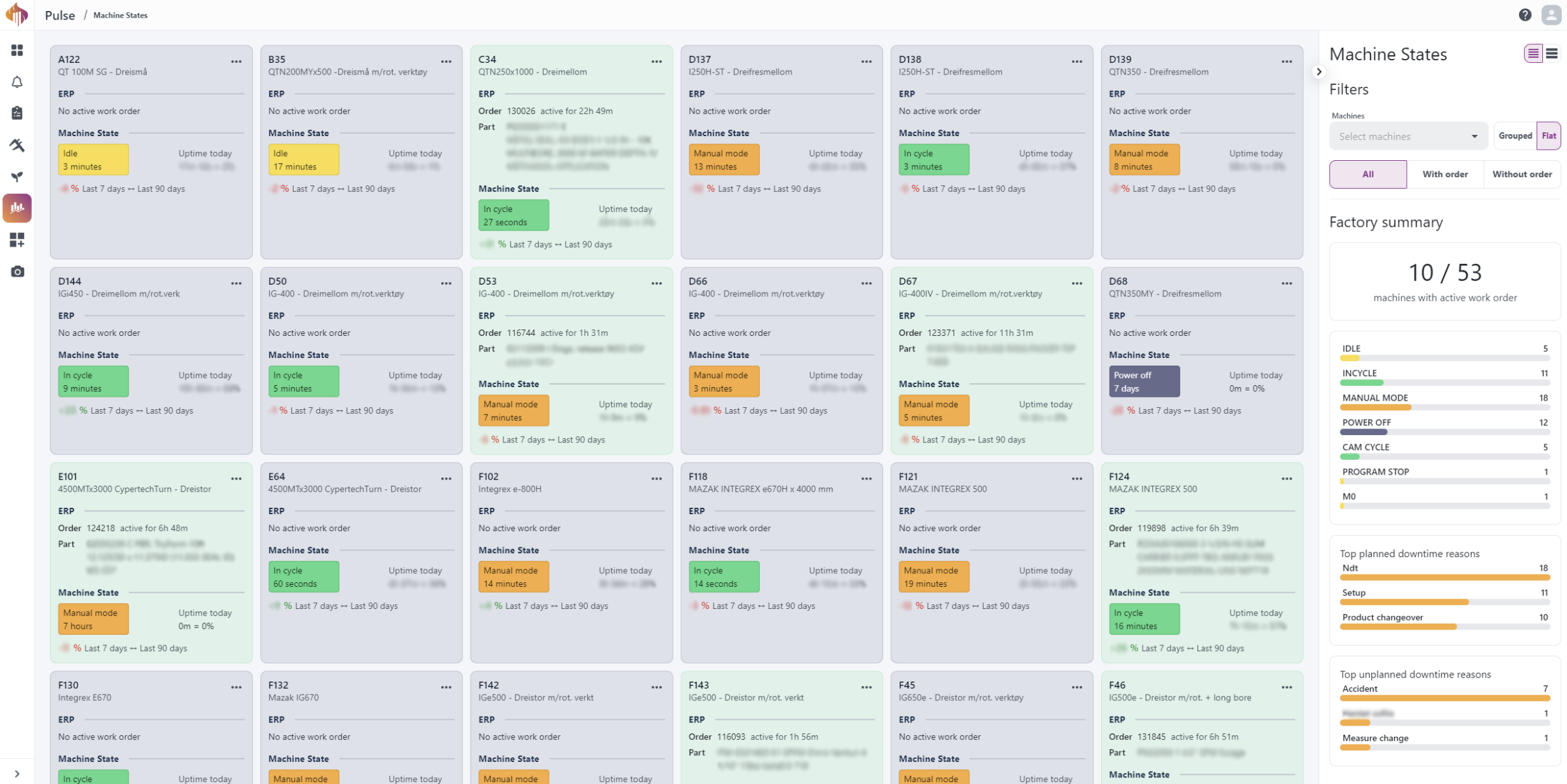
The widget is based on the same tiles shown above and includes all standard Workspace widget features you may already be familiar with:
- Resize using the corner handle
- Move freely around the Workspace board
- Configure the widget to show data from a specific resource
Engage Order widget update
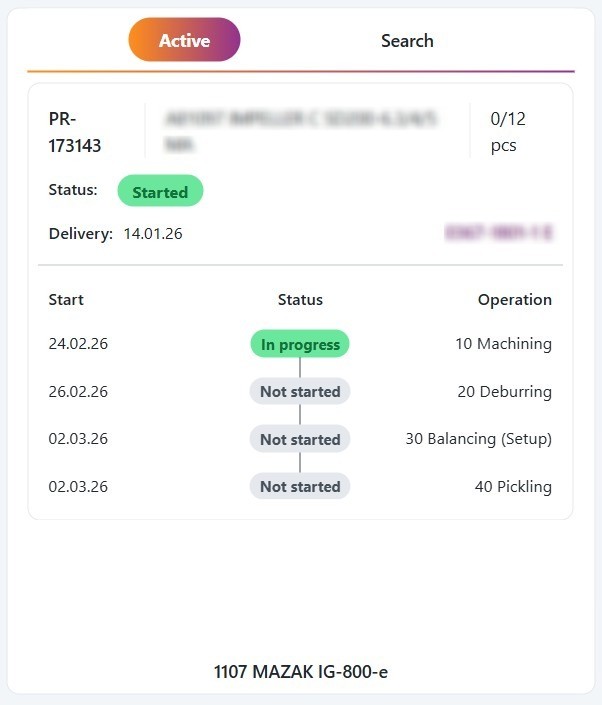
As mentioned earlier in this blog post, the Engage Order widget provides key details about the order entered in the input field.
| Old design | New design |
|---|---|
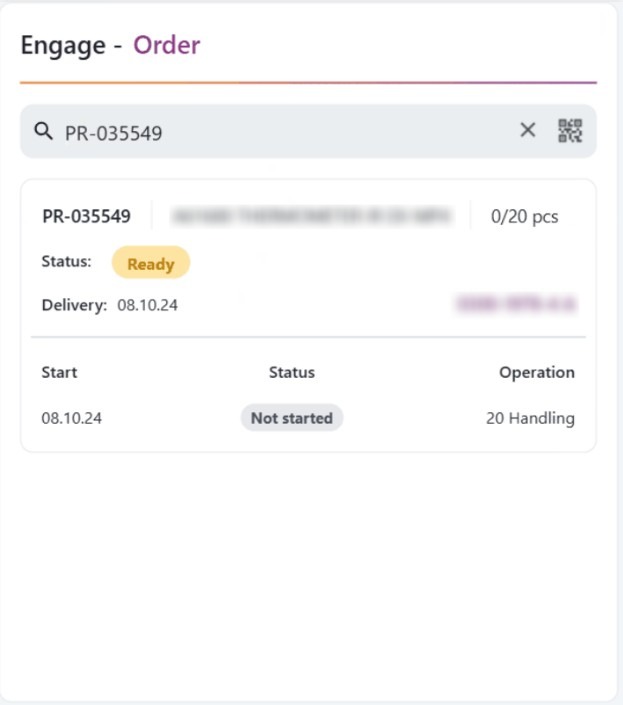 |  |
Features in the new design
- The Active tab automatically shows the order(s) currently active on the selected resource.
If multiple orders are active, users can slide between them. - The Search tab provides the same search functionality as in the previous design.
- The header has been replaced with the tabs mentioned above.