New Workspace tab in Engage
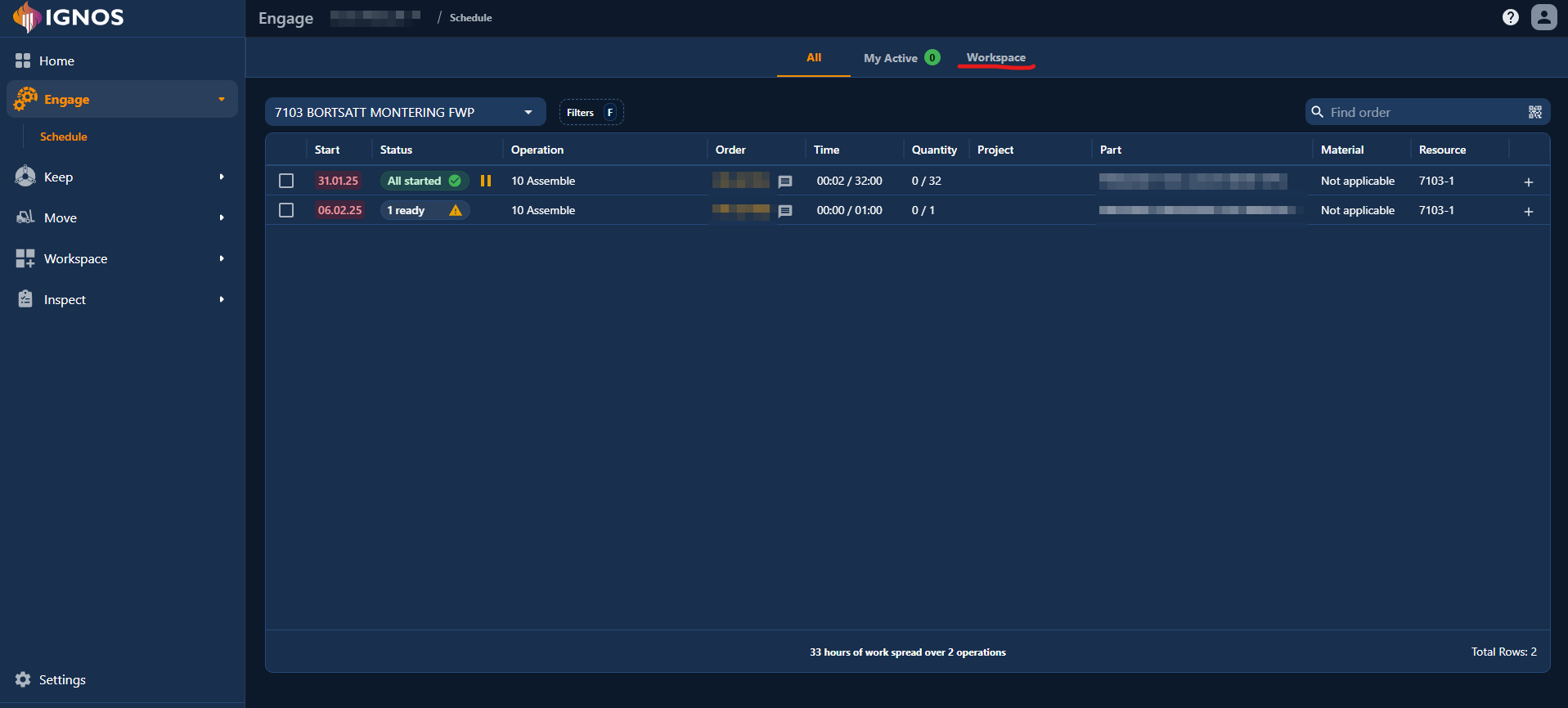
You can now open Workspace directly from Engage Operations. The new Workspace tab sits next to All and My Active, making it easier to move between active operations and resource-specific views without leaving Engage.
What changed
The new tab opens the same Workspace experience used elsewhere in Ignos. This gives operators access to their workspaces directly from Engage, and it also brings the Default resource workspace into the same workflow.
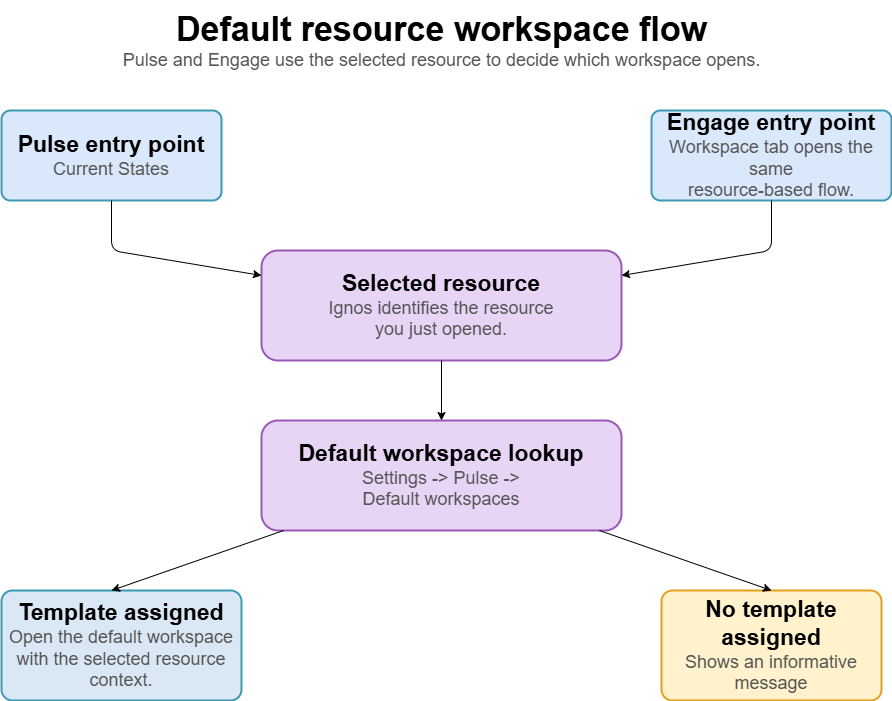
At the same time, Pulse now opens Resource insights in Workspace instead of the previous standalone Machine Insights page. This means Pulse and Engage now use the same workspace-based flow when you want to inspect a resource in more detail.
Default resource workspace
The Default resource workspace is resource-context-driven. When it is opened from Pulse or another resource-specific link, Ignos loads the default workspace for that resource and applies the selected resource as context for the widgets in the workspace.
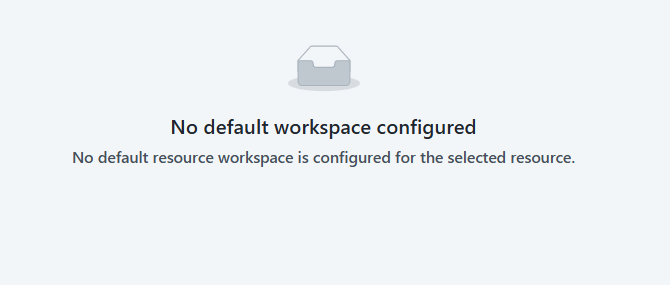
If no default workspace has been configured for the selected resource, Ignos shows an informative message.
For admins
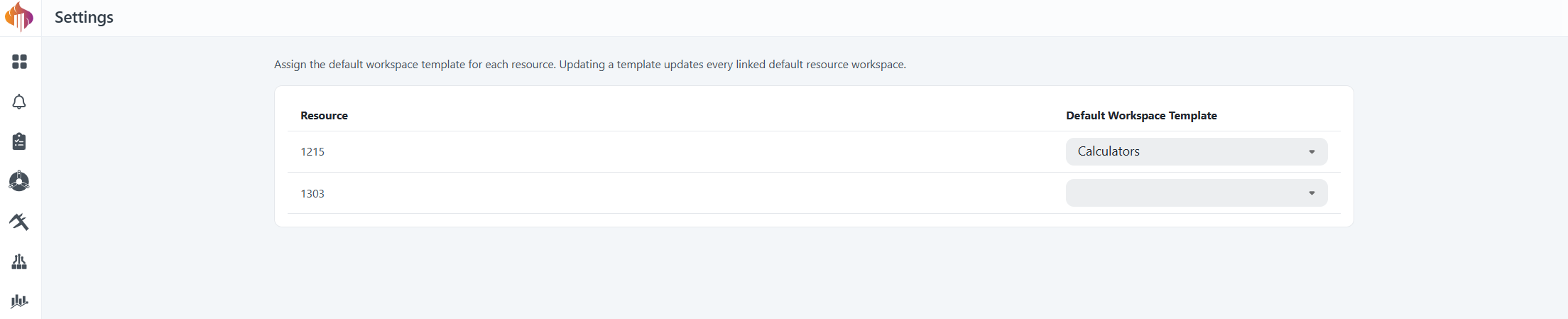
Admins can configure default workspace templates per resource in Settings -> Pulse -> Default workspaces.
When a template is updated, all linked default resource workspaces are updated too. This makes it easier to maintain a consistent resource insights view across Pulse and Engage.