Time Range Picker Updates
Fresh improvements landed across Pulse and related apps. The time range picker is now consistent everywhere.

At a glance
- One shared time range selector across Pulse, Alarms, Workspaces, Sustain, Utilization Insights, and Machine Insights.
- Smarter navigation and clearer labels, with no empty "future" buckets.
Time range picker, now consistent everywhere
You will see the same time range controls across apps, with day, week, month, quarter, year, and custom range options.
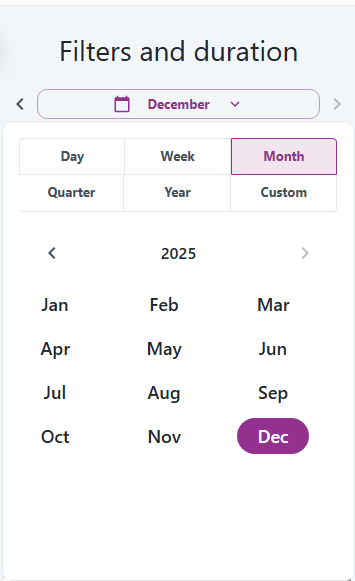
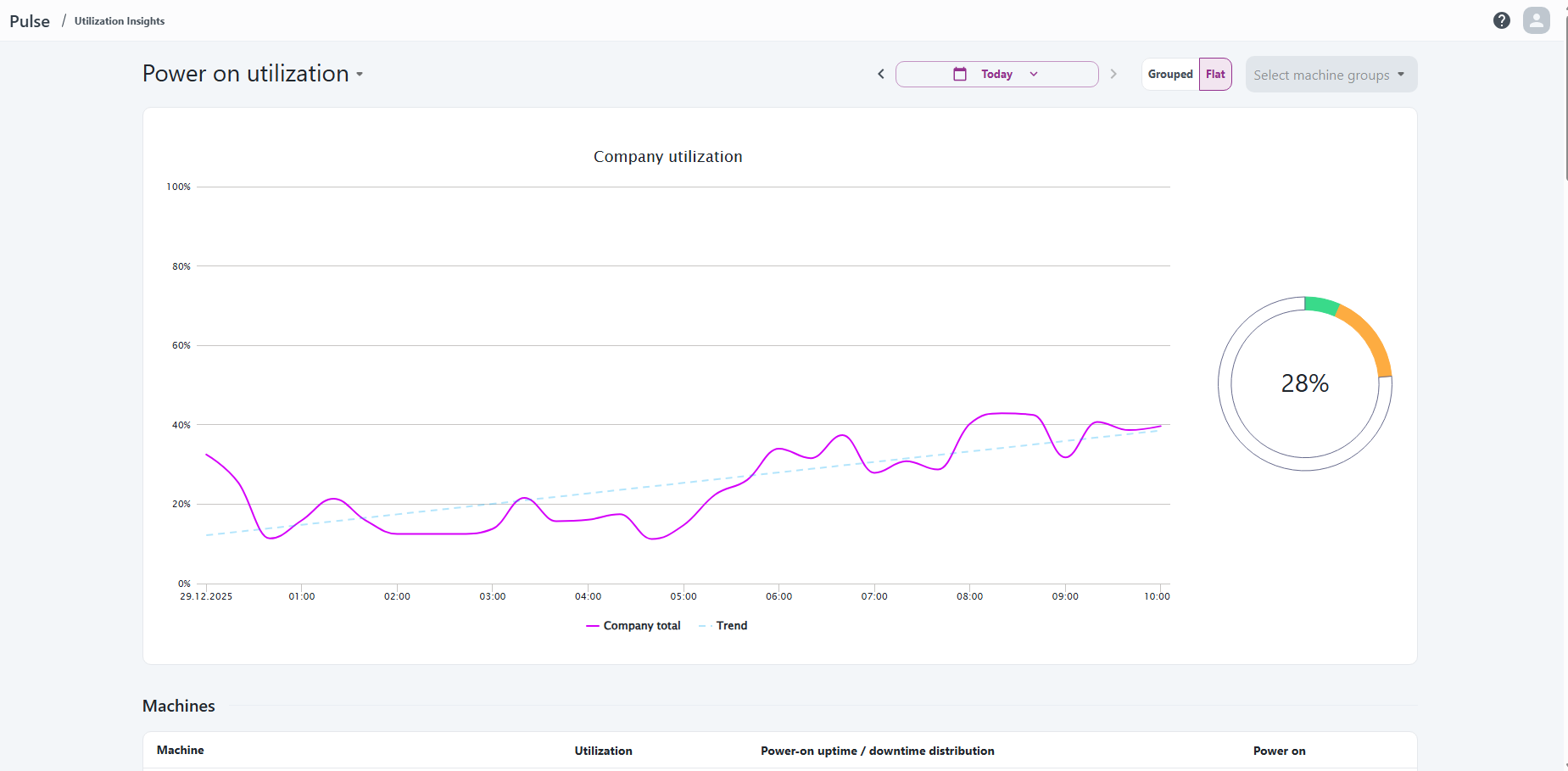
The same picker shows up in insights pages too, keeping the experience consistent.
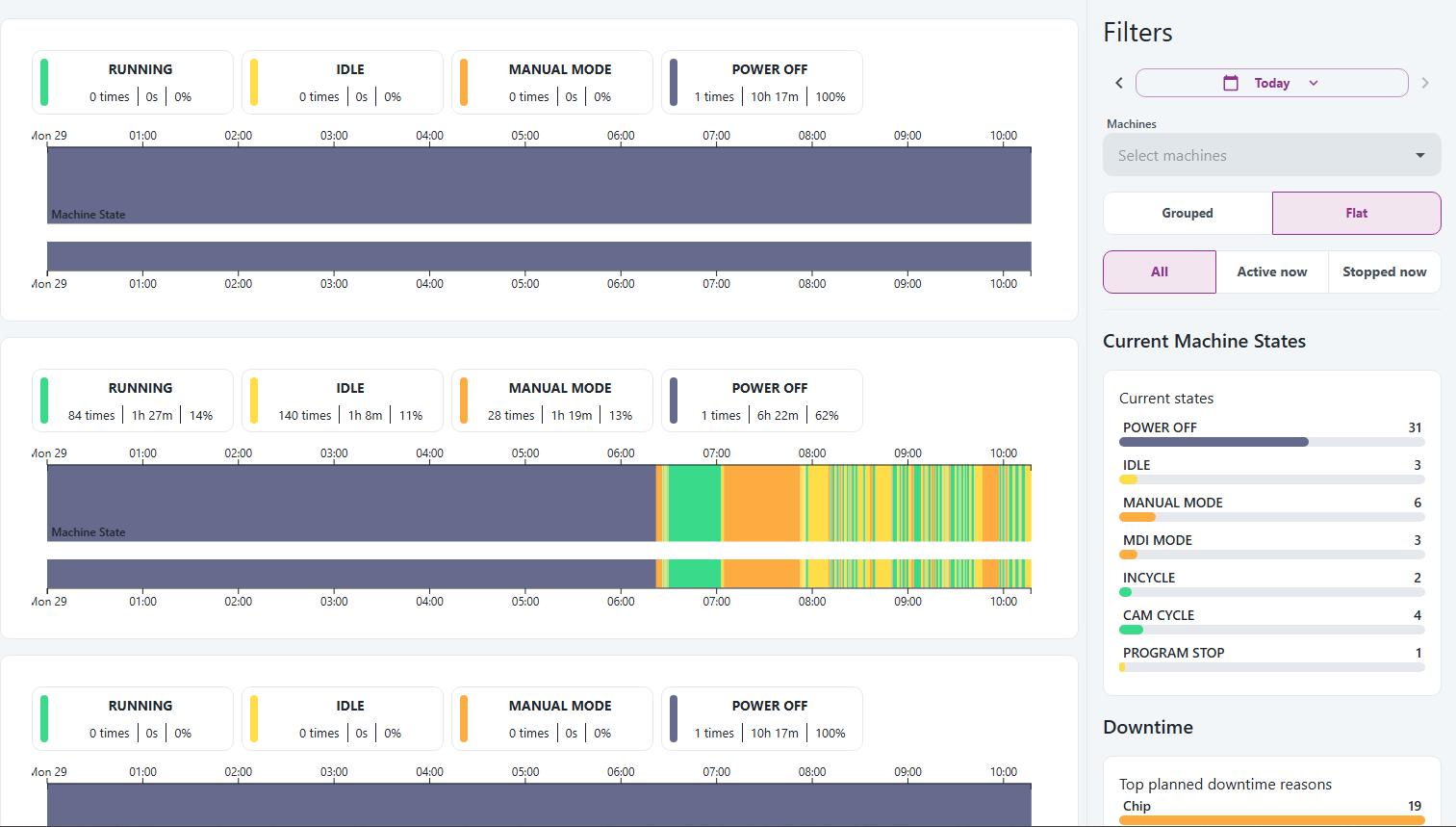
It also appears in timelines, making it quick to narrow down activity periods.
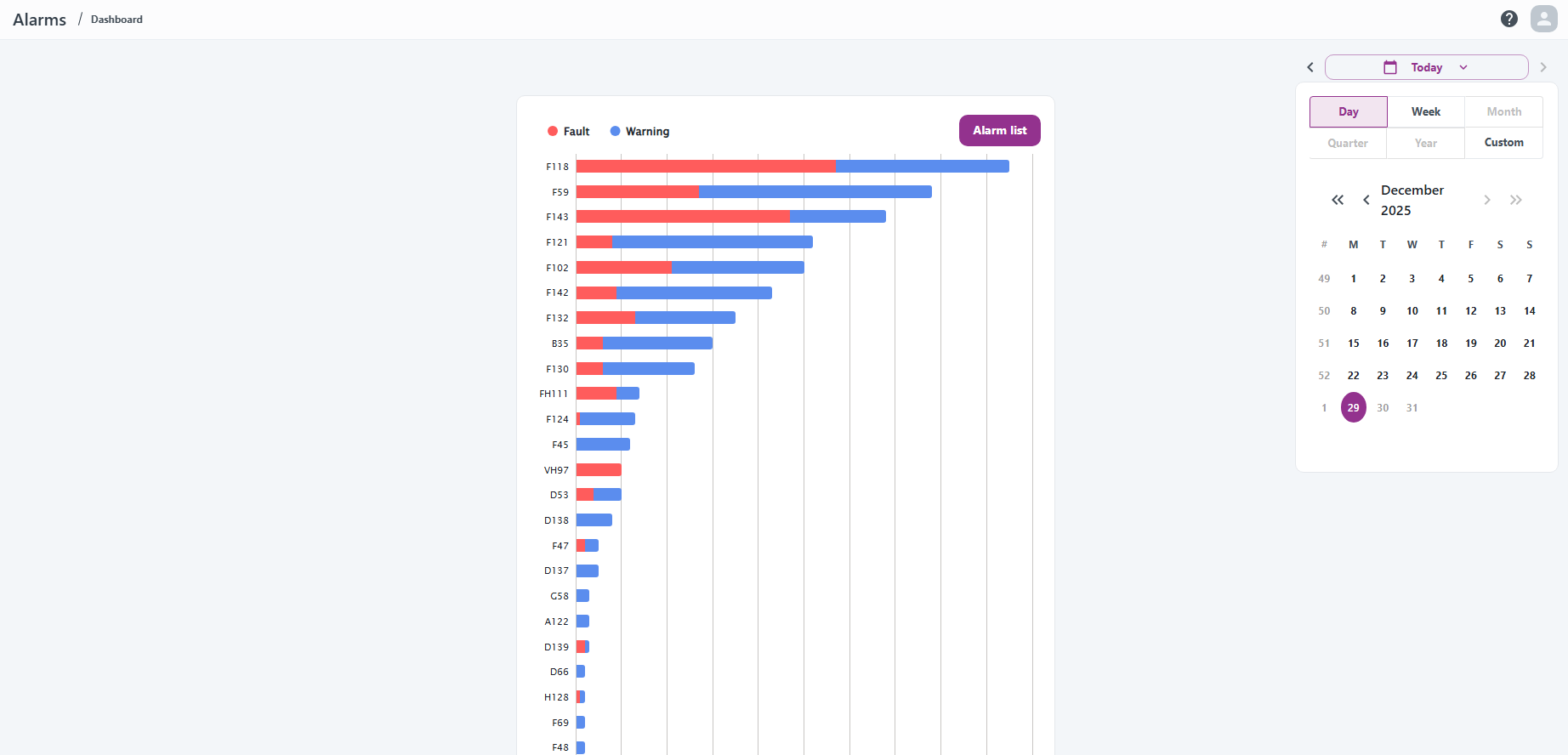
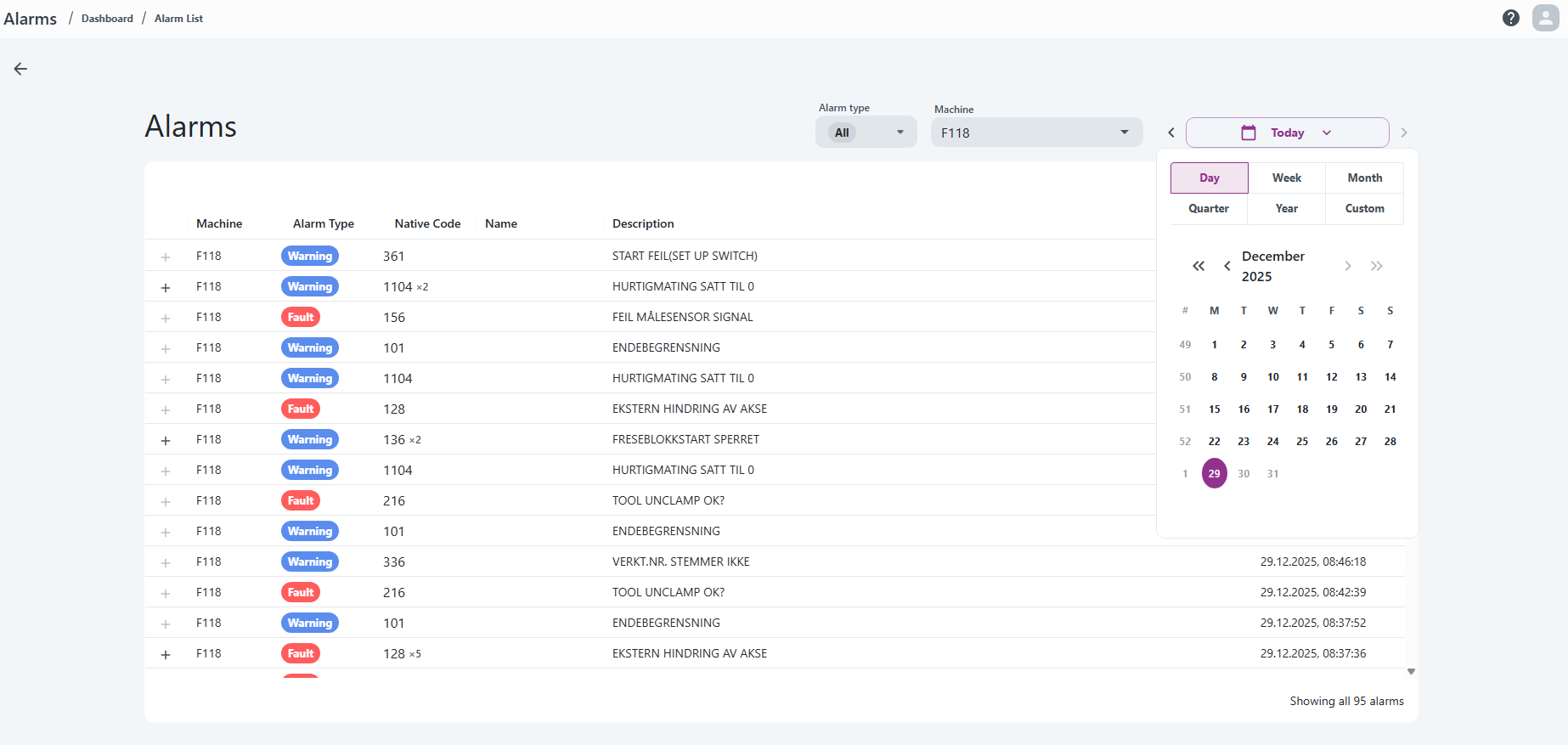
Alarms now uses the same picker, so trends and lists line up with the selected range.
The same control is available in Alarm List for deeper inspection.
Sustain uses the same picker so energy and CO2 views stay aligned with other apps.

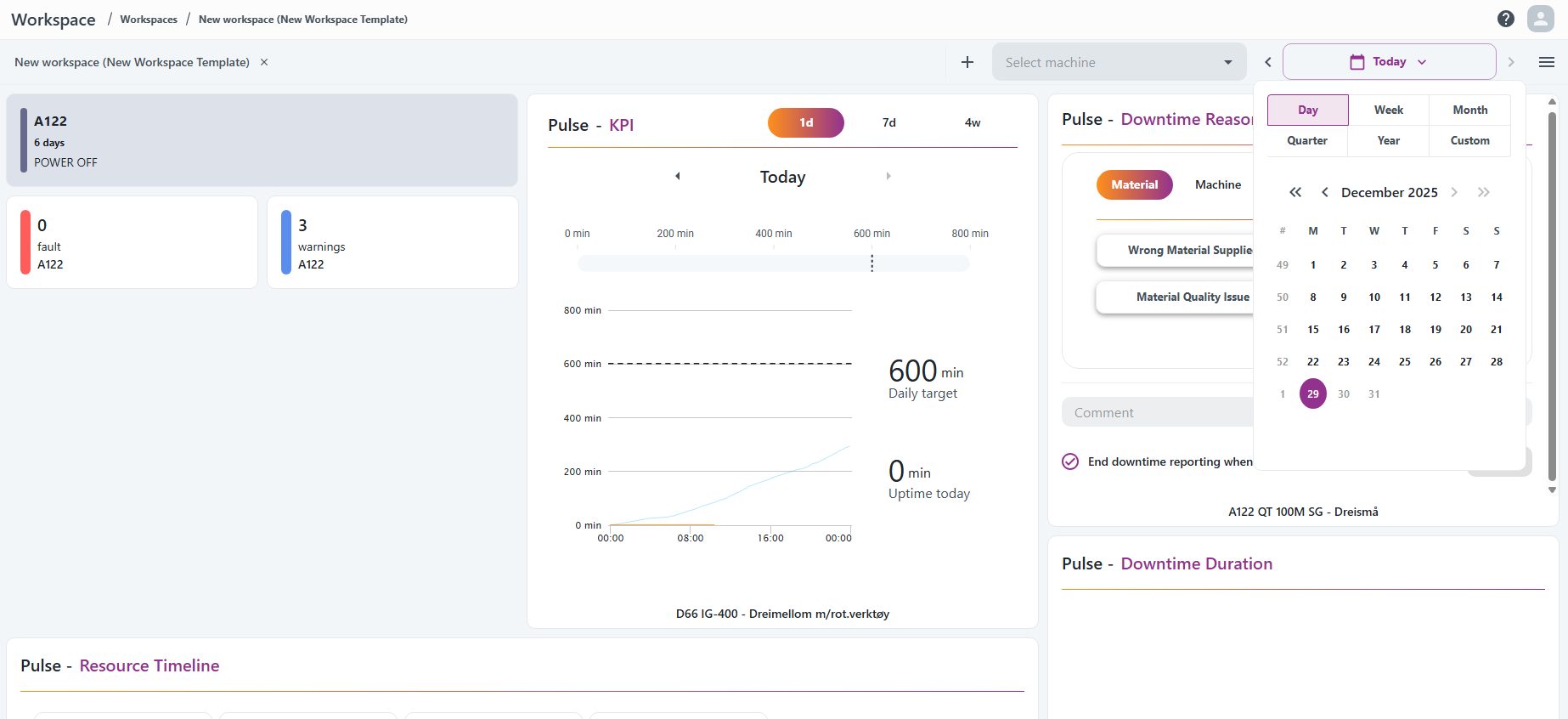
Workspaces also use the same control, so dashboards stay aligned with the chosen range.
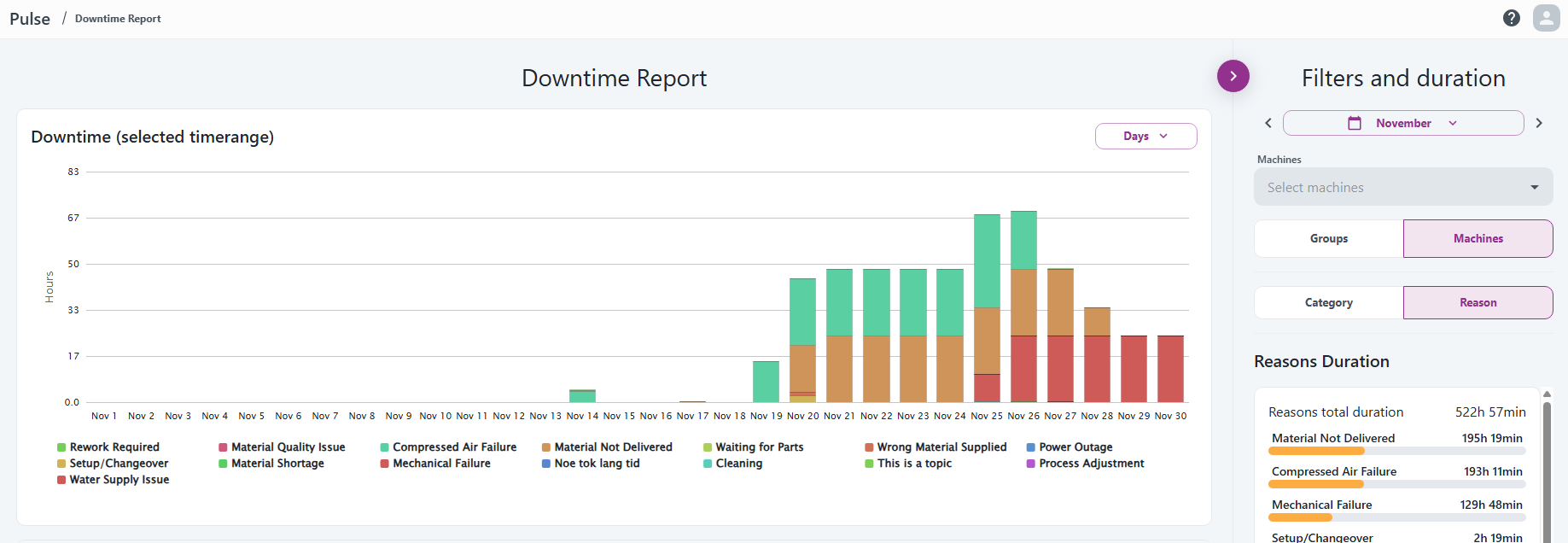
Downtime Report uses the same filters and duration panel, so reports match the rest of the app.
The picker makes it easy to jump across periods and switch granularity in one place.
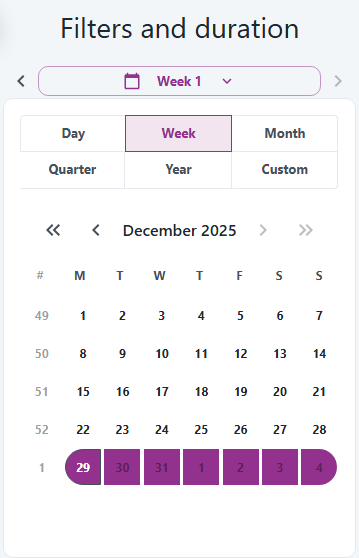
Week selection is now clearer, with visible boundaries and a quick view of where the week sits in the month.
Custom ranges are available for precise start and end dates.
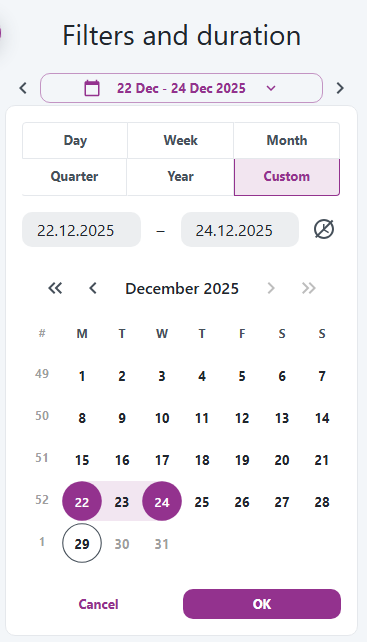
For custom ranges, you can also set the exact start and end times.
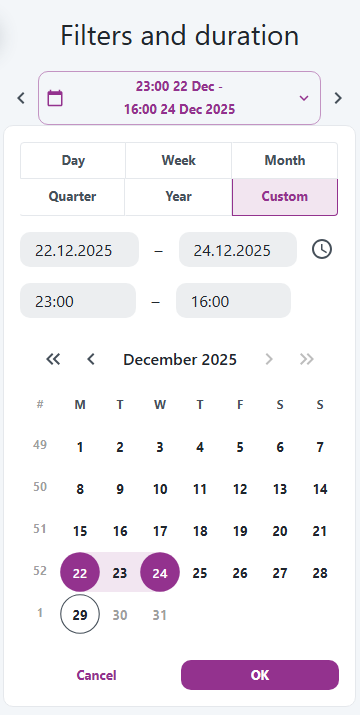
- One picker for all period types, so switching apps feels familiar.
- Compact controls with prev/next, a calendar dropdown, and custom ranges (popover on desktop, full-screen on mobile).
- Navigation that respects the chosen range and blocks moves into the future.
- Cleaner labels and totals by capping end times close to "now" to avoid future data.
- App-specific limits still apply (Alarms max 7 days, Pulse timelines max 3 days, long ranges hidden on compact views).
Back and forward buttons
The arrows move the selected range in a predictable way:
- Back moves one step to the previous period. For custom ranges, it shifts the range by the same length; short ranges under 24 hours move back by 24 hours.
- Forward moves one step to the next period, but never into the future. For custom ranges, it shifts forward by the same length and stops if the end would go past "now."
- Buttons are disabled when there is nothing to move to (for example, already on the current period or no custom range selected).
Some pages intentionally disable longer ranges. For example, Machine Timelines allow up to 3 days.
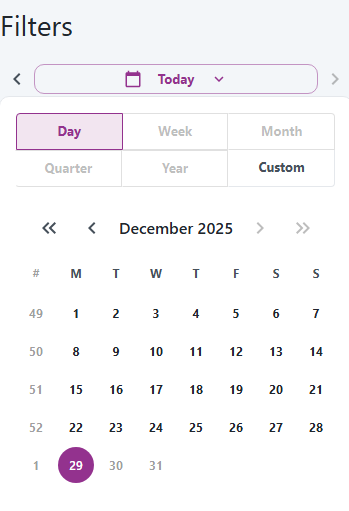
Filters and duration now live in a compact bar that stays readable in tight layouts.