Factory Default Performance for OEE and OOE
· 2 min read
Pulse now supports a factory-level Default performance value for OEE and OOE calculations.
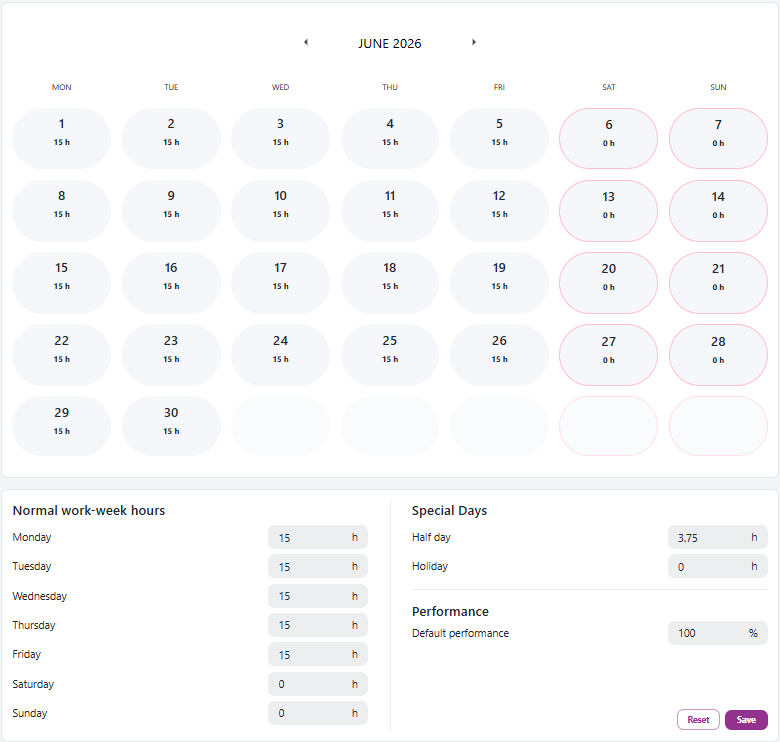
Pulse now supports a factory-level Default performance value for OEE and OOE calculations.
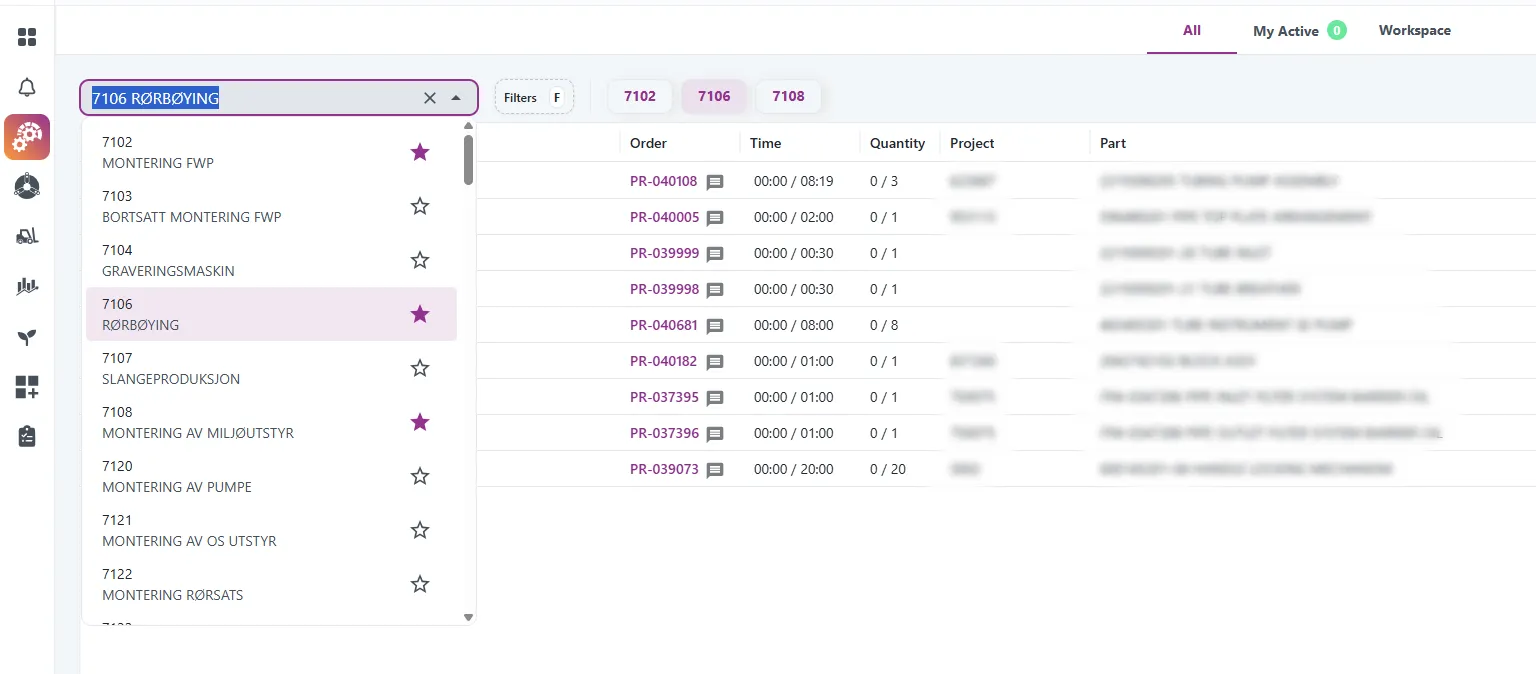
We have added a new feature to the existing resource selector in Engage.
You can now mark resources as favorites by clicking the star icon.
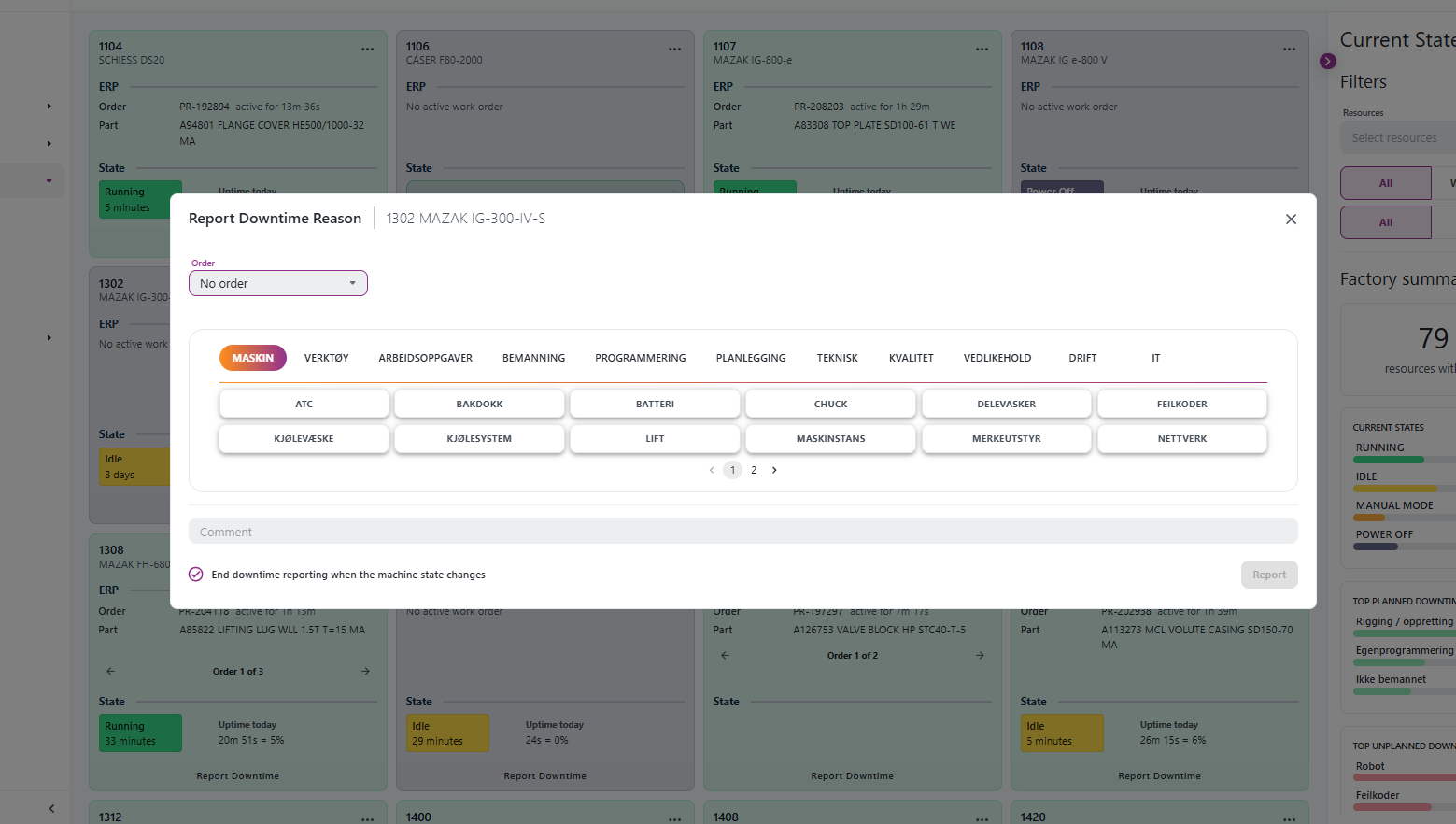
Downtime reporting in Pulse now connects each reported downtime reason to an order and part when that information is available.
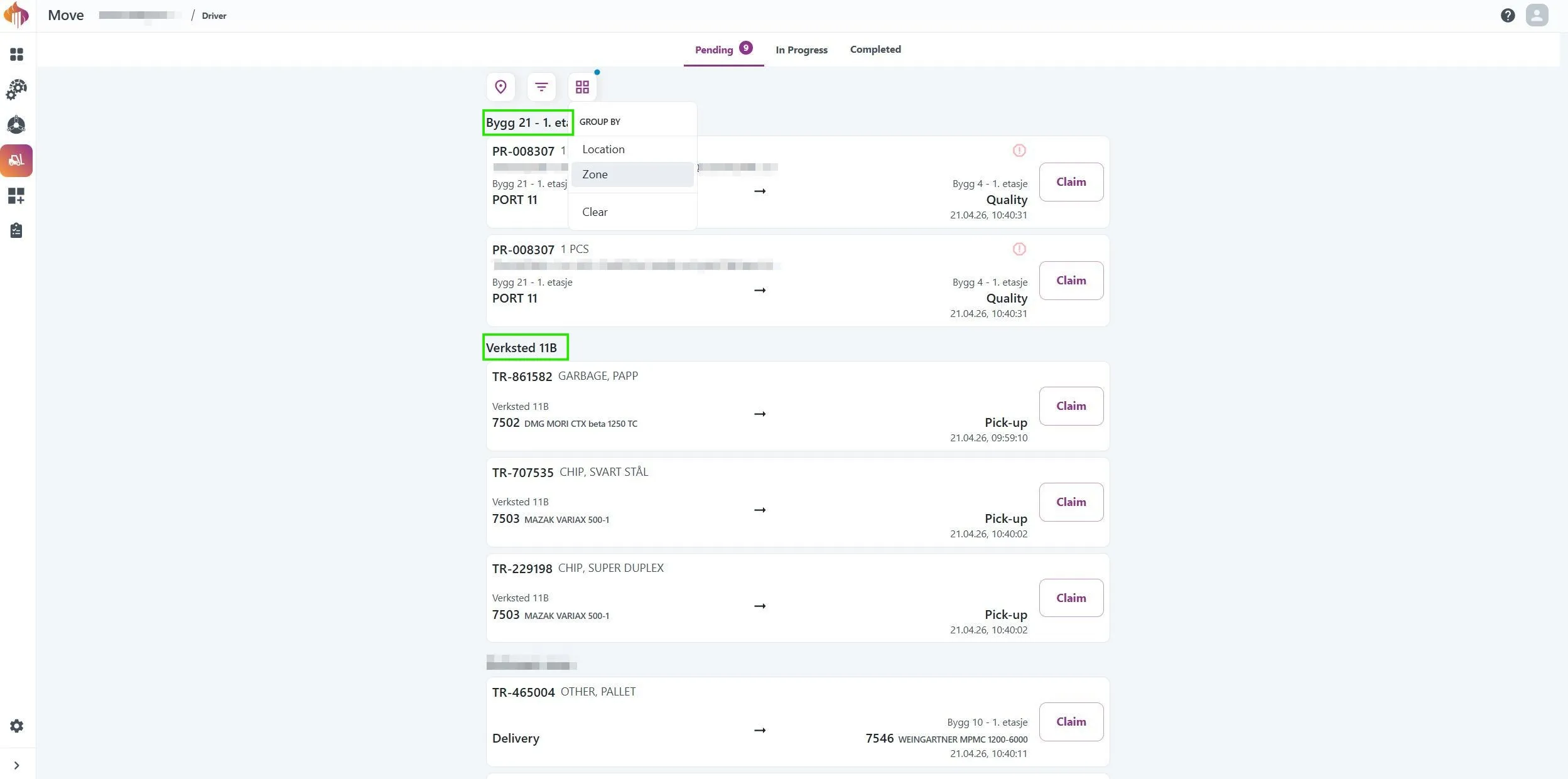
One of the most requested features from our forklift drivers is here! The Driver interface now supports grouping bookings by Location or Zone.
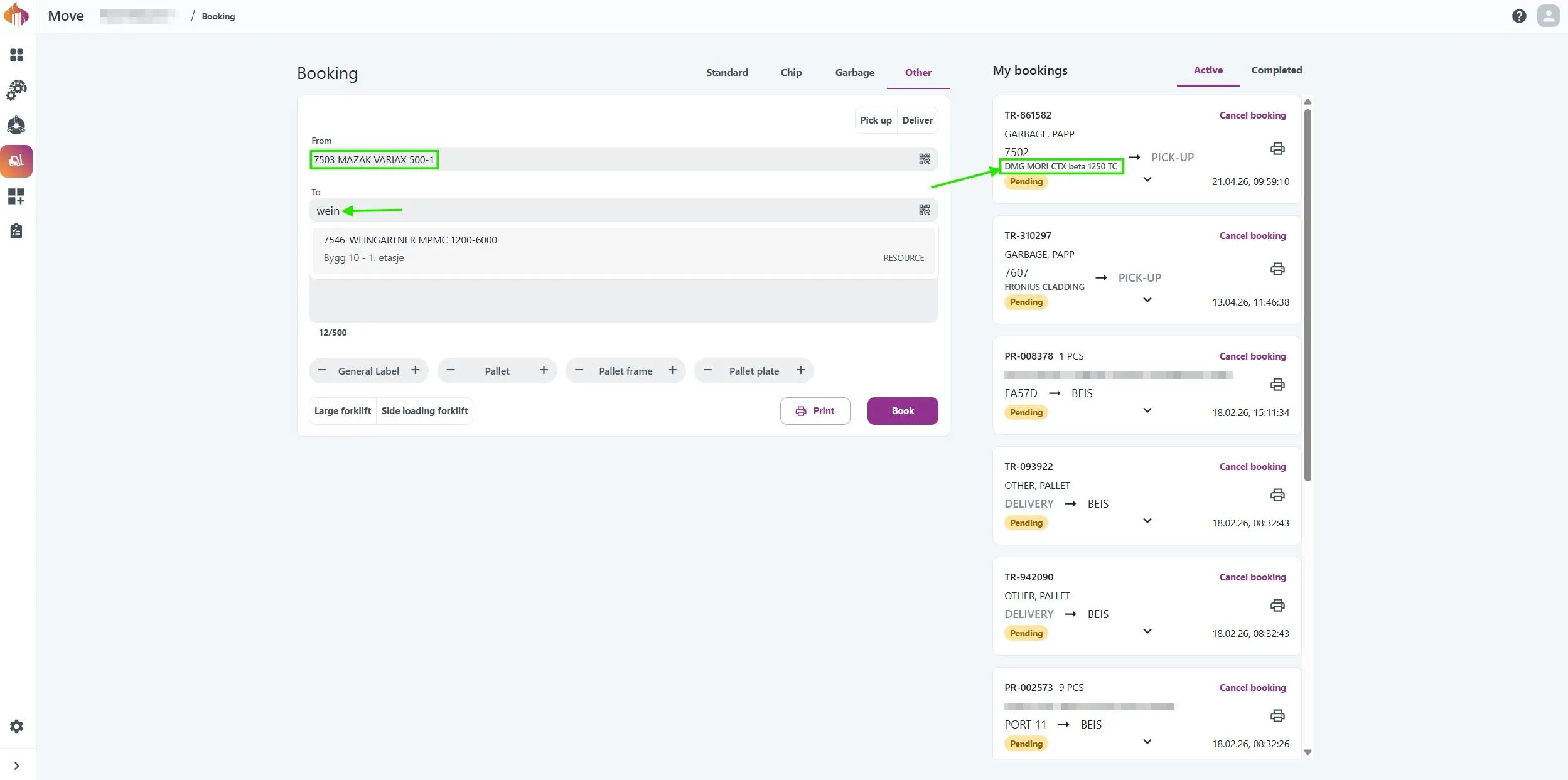
Locations tied to a resource now display the resource name alongside the resource number, making it much easier to identify the right location without having to remember resource numbers by heart.
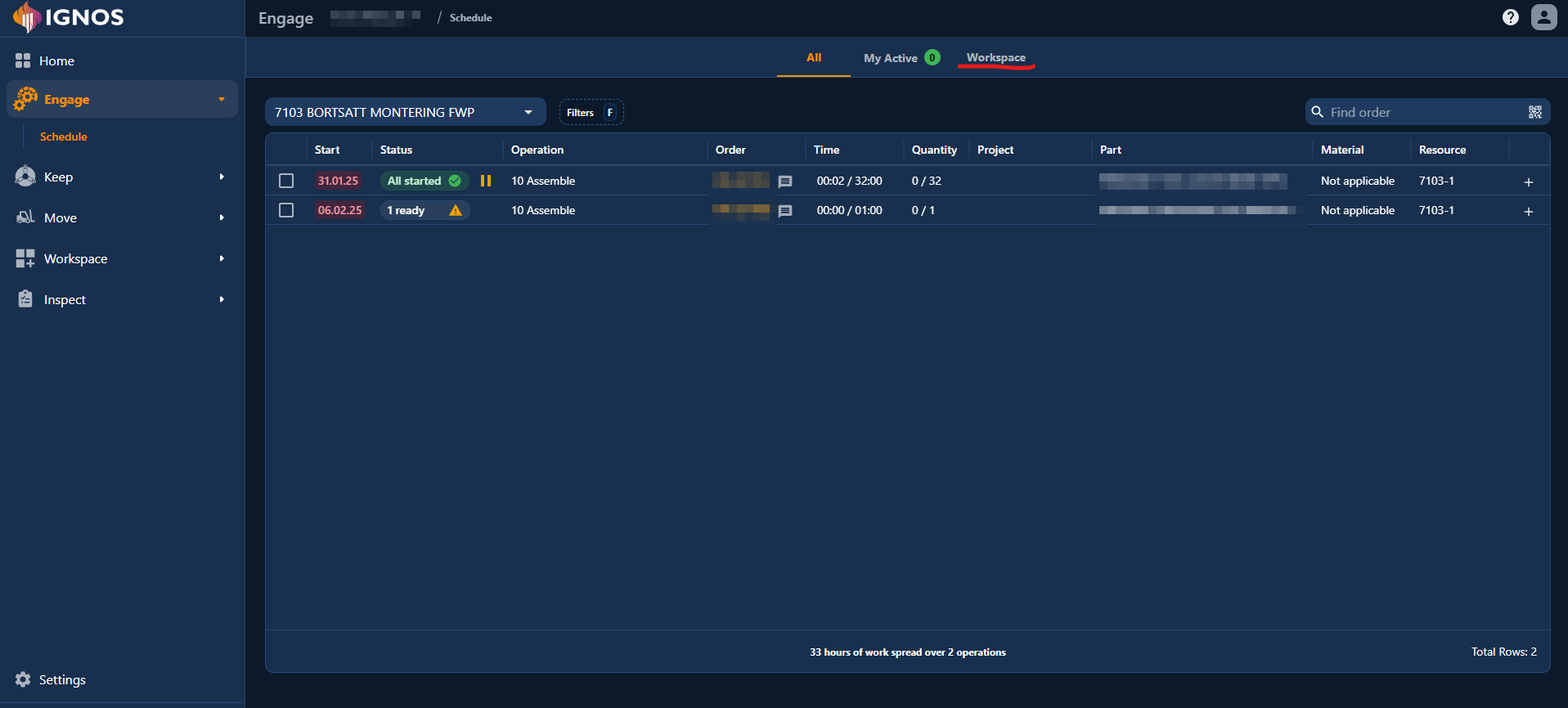
You can now open Workspace directly from Engage Operations. The new Workspace tab sits next to All and My Active, making it easier to move between active operations and resource-specific views without leaving Engage.
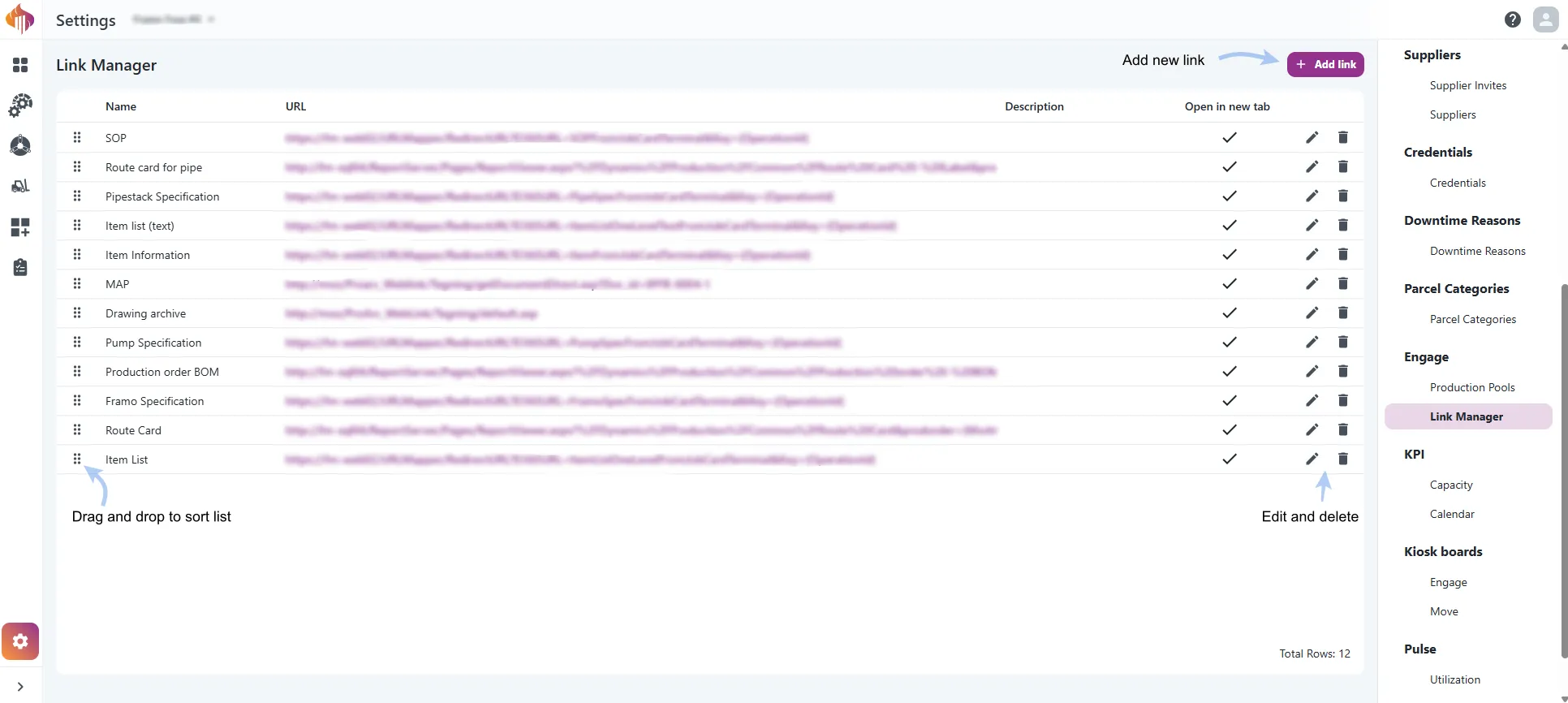
Admins can now add, edit, remove and reorder the links that users see in Engage, from Link Manager in Settings.
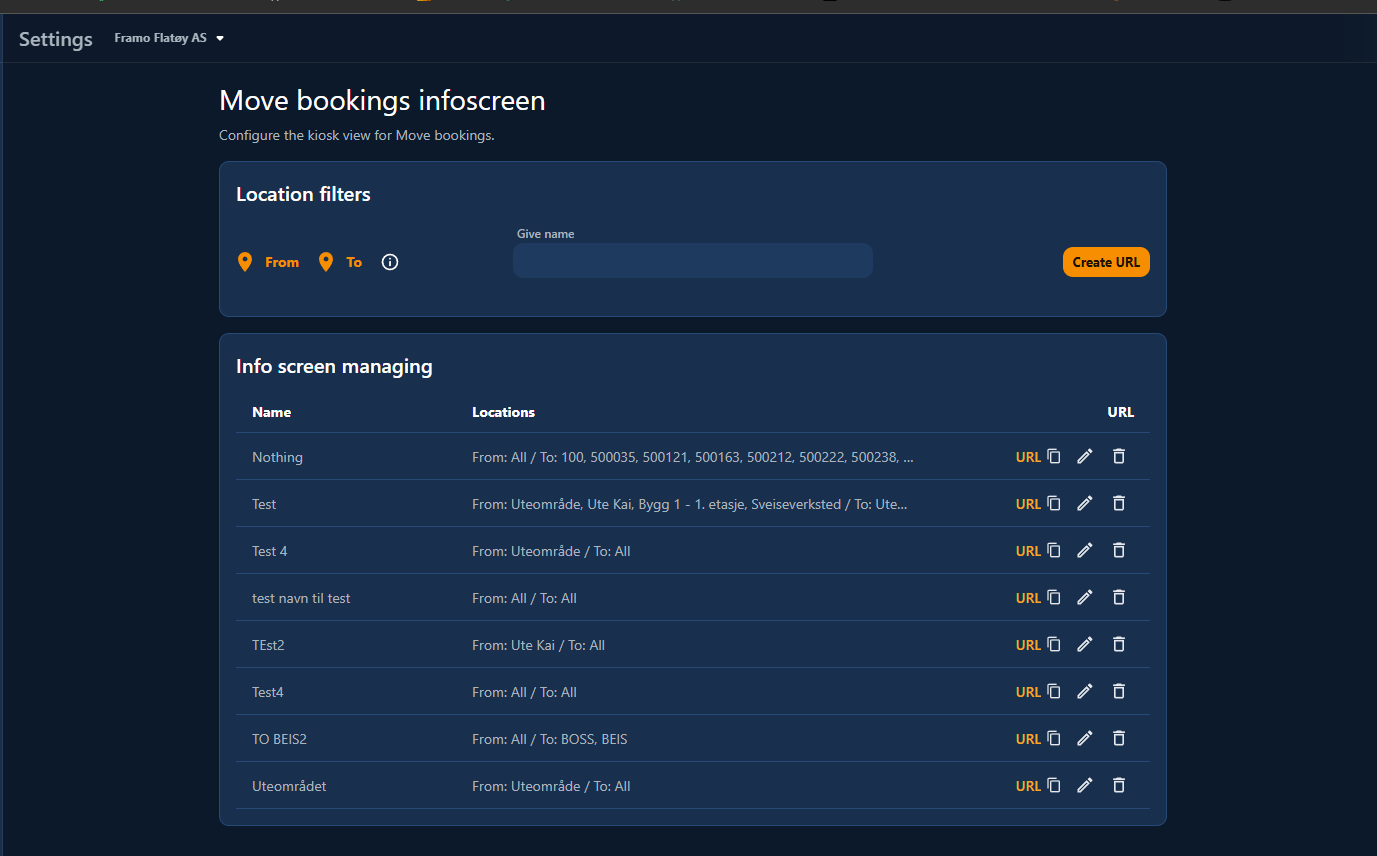
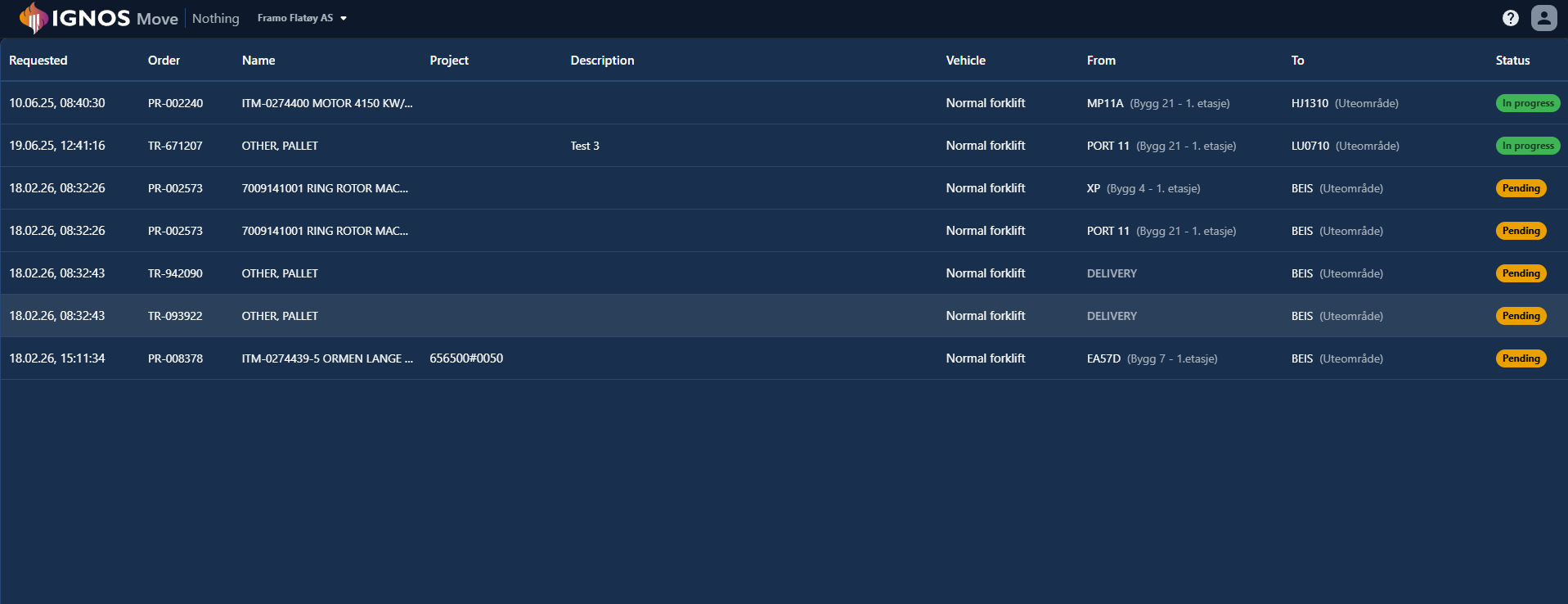
We have added a new Move bookings infoscreen flow for kiosk usage, including setup in Settings and a dedicated infoscreen route.
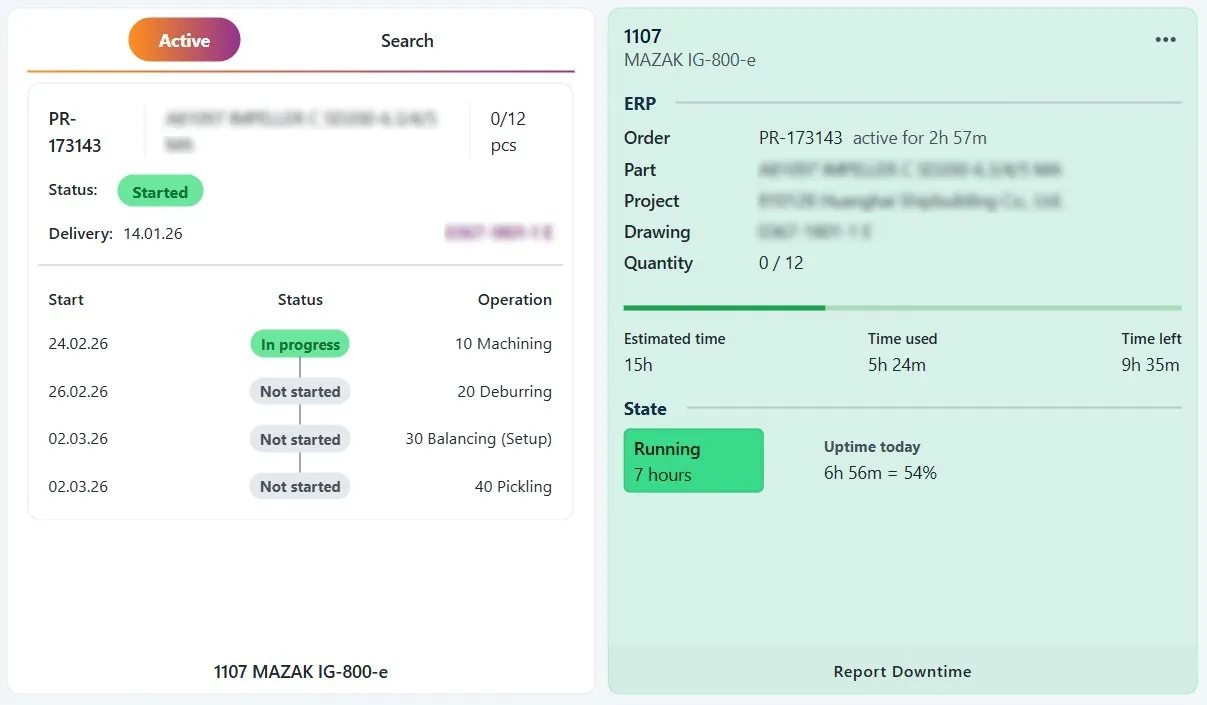
We have now launched the Resource Current State widget and added improvements to the existing Engage Order widget.
We have improved parcel description editing across Move so it is faster to read and easier to update.
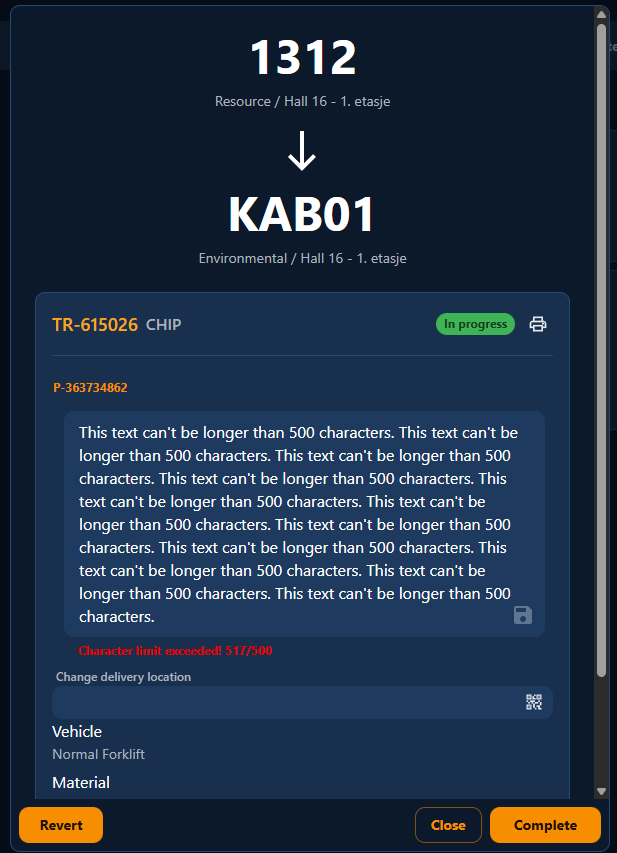
This update makes the description field behave the same way everywhere you can edit parcel details.