Measuring Tools documentation - How to
This documentation is regularly updated to reflect any changes or improvements in the software.
If you have any questions or need further assistance, please don't hesitate to contact us or submit a ticket through our service desk.
We're here to help! 😇
Tool ID
Every measuring tool has a Tool ID. This is the short identifier used to recognize the tool in lists, on measurement points and on the tool label.
Your own ID or an autogenerated ID?
The Tool ID field is at the top of the Add measuring tool dialog.

- Leave the field empty to let IGNOS generate the ID.
- Type a value to use your own ID.
What autogenerated IDs look like
IGNOS keeps two separate number series, one for calibrated tools and one for uncalibrated tools:
| Tool category | Format | First autogenerated ID |
|---|---|---|
| Calibrated tools | Running number | 91501 |
| Uncalibrated tools | U + running number | U5101 |

Each new autogenerated ID is the previous one plus 1. The series start at high numbers so that they do not collide with number series you may already use for your own tools.
Rules for your own Tool IDs
| Rule | Detail |
|---|---|
| Maximum length | 50 characters |
| Whitespace | Not allowed. Use a hyphen or underscore instead, for example CAL-001 or CAL_001 |
| Must be unique | Within your company. Deprecated tools keep their ID, so it cannot be reused |
| Other characters | Letters, numbers and symbols are allowed |
About gaps in the series
If you manually type an ID that is part of the autogenerated series, for example 91502, IGNOS skips that number when the series reaches it. The same happens with tools added through a migration import, because those keep their existing IDs.
A gap in the numbering therefore does not mean that a tool is missing. For the same reason, the Tool ID alone is not a reliable indicator of when a tool was created.
Good to know
- The Tool ID cannot be changed after the tool is created. If an ID is wrong, create the tool again with the correct ID and deprecate the old one, or contact us.
- The
Uprefix is permanent. A tool created as uncalibrated keeps theUin its ID, even if you decide to calibrate it at a later time.
Calibration Lists
Import
Importing of measuring tool calibrations from external sources.
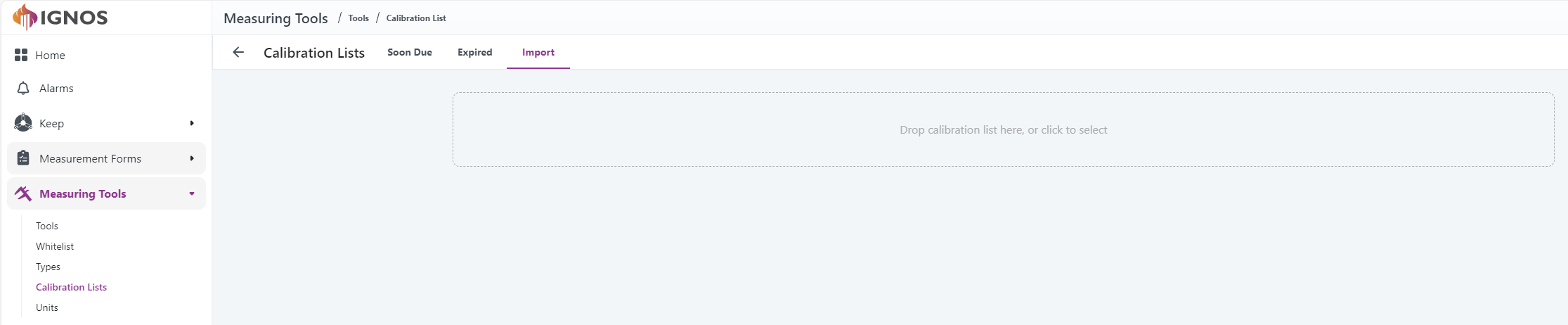
With this feature, users can import calibration data from an external source to avoid manual input. Click the drop zone or drop a supported file onto it to start the process. Contact us to discuss supported file formats.
Description and rules
This feature allows import of suitably formatted calibration data from an external source to IGNOS.
To avoid errors and failed imports, the following rules apply:
- Deprecated tools are ignored
- Tools must exist in IGNOS for calibrations to be imported
- Tool serial numbers must match the one in IGNOS. As a special case, if multiple serial numbers for the same Tool Id are present in the calibration file, the one(s) that match IGNOS is used and the other(s) ignored
- Duplicate Tool Id are rejected
- Calibration date and next calibration date must be present
- Only calibrations that are newer than the most recent one already stored in IGNOS are imported
Import file process
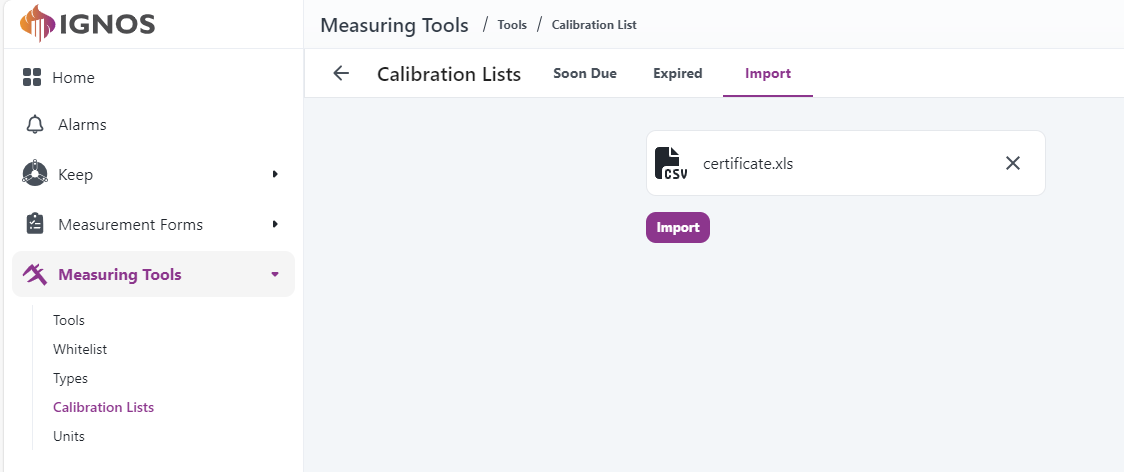
Click the Import button to start the import process.
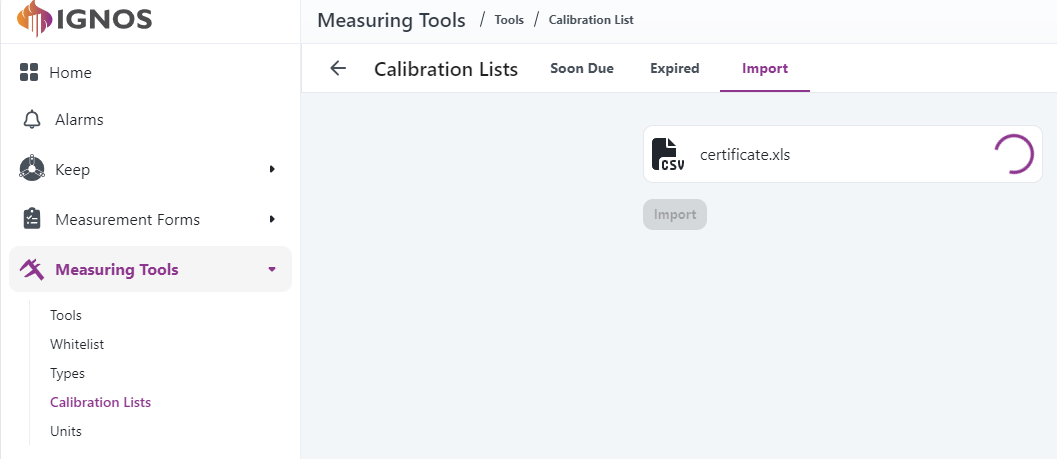
Import results
When the import has finished, the results are displayed.
First of all, an overview and a list of each tool with at least one calibration imported, and the most recent calibration imported for each tool.
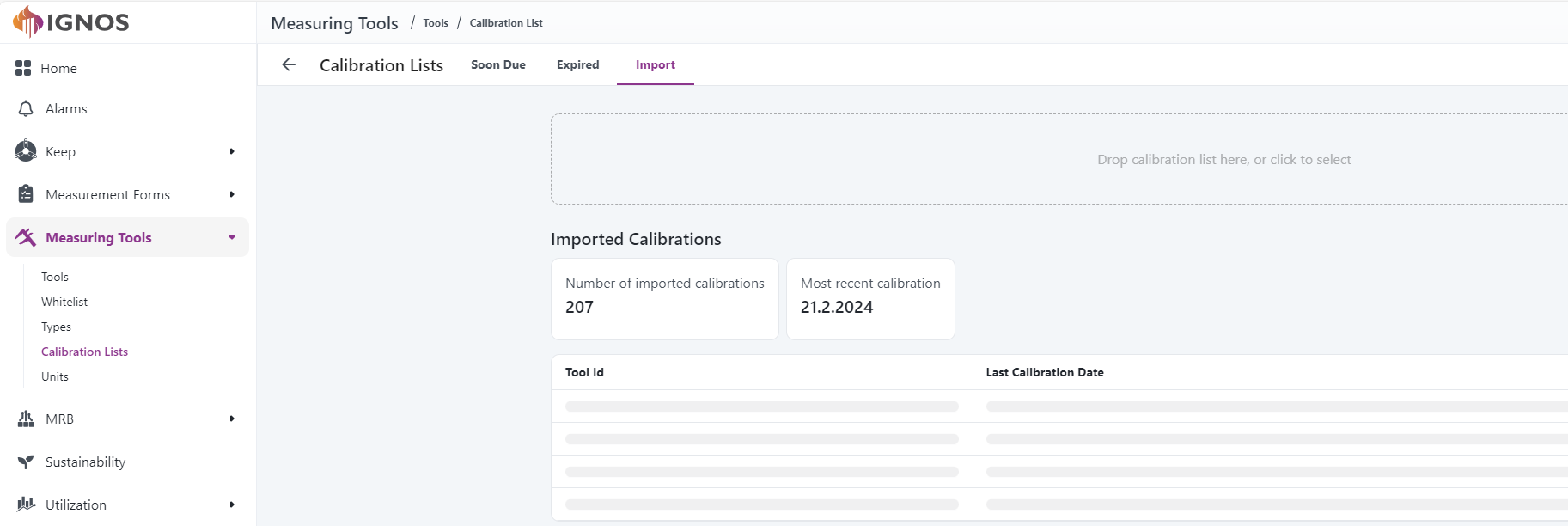
Immediately after the imported calibrations, a list of import errors is shown. This list contains calibrations that should have been imported but have not due to:
- Tool IDs not found
- Mismatch between serial numbers
- Duplicate tool IDs
- Missing calibration date

Finally, a list of informational messages is available. This list is hidden by default; click on the section to display the list. This list contains calibrations that have not been imported since they:
- are already known
- relate to a tool ID which is registered with a different serial number in IGNOS
- are older than the most recent calibration already known in IGNOS
